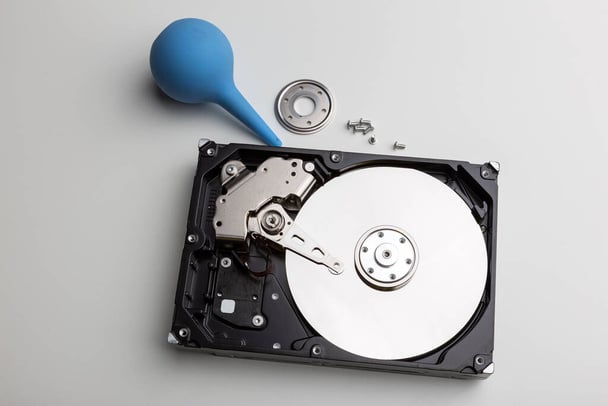
Disk not initialized: how to recover the data
Open Disk Management and the drive shows up as "Disk 1 – Unknown – Not Initialized", with the space marked "Unallocated". Windows opens a window offering to initialise it as MBR or GPT. It looks like a harmless technical operation. It isn't: it's the step that turns a solvable problem into a harder recovery.
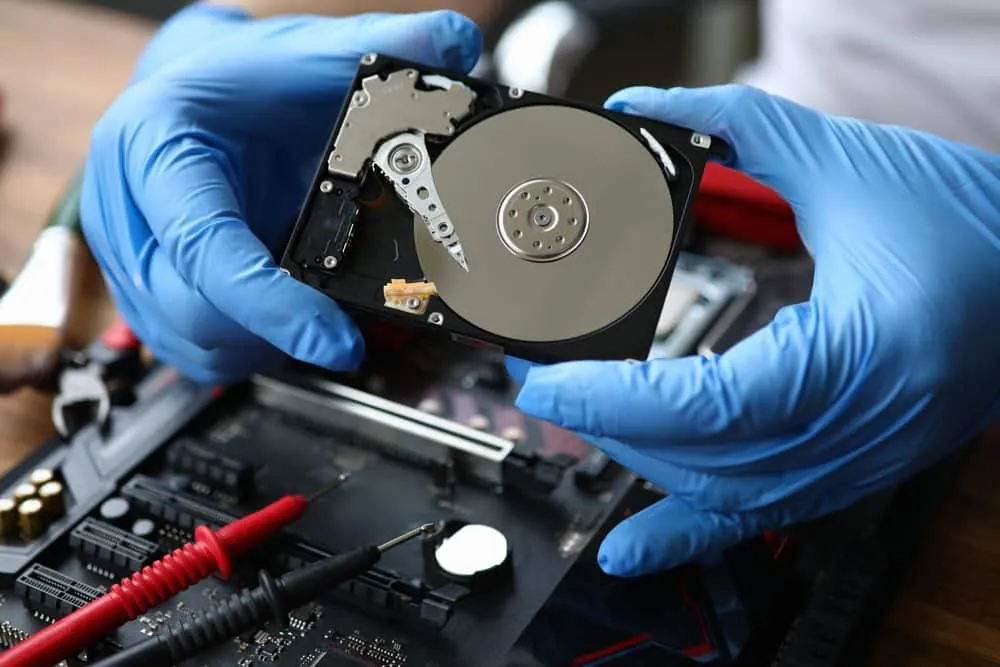
What Windows is telling you
At the start of every disk is the partition table (MBR or GPT), which marks where the volumes begin and end. "Not initialized" means Windows can't find it. There are three possible reasons, very different from one another.
1. The partition table is damaged
The disk is healthy, but the first sectors have been corrupted by a sudden shutdown, by malware or by a partitioning program. The capacity shown is correct. This is the most favourable case.
2. The disk has been moved out of a USB enclosure
Many external drives use an enclosure that presents the disk to the computer differently from a direct SATA connection (sector size, encryption). If you take the disk out of the enclosure and connect it to the PC, Windows doesn't recognise the structure and sees it as "not initialized". Put back in its original enclosure, it often becomes readable again. If the enclosure is faulty, the lab is needed.
3. The disk has a fault
The capacity is wrong (0 bytes, a few MB, a strange number), the disk is slow to appear or makes noise. The firmware can't read its own service information. Here no software operation helps.
What to do right away
- Close the initialisation window without confirming.
- Check the capacity shown in Disk Management. Correct or wrong? It changes everything.
- Listen to the disk: clicking, ticking or beeping means a mechanical fault. Disconnect it.
- If you had taken it out of an external enclosure, put it back in its enclosure with its own cable.
- Don't try programs that "repair the MBR" or rebuild partitions automatically by writing to the disk.
What NOT to do
- Don't initialise, neither MBR nor GPT.
- Don't create a new volume and don't format.
- Don't convert the disk to dynamic or to GPT with the Windows tools.
- Don't use diskpart commands found on forums ("clean", "convert"): they erase the partition table.
If you've already initialised it
Stop everything. Initialisation on its own writes only a few sectors: the original partitions and files are usually still there and can be rebuilt. The real damage comes afterwards, when you create a new volume, format and copy files. The sooner you stop, the more is recovered.
How we recover it
In the lab we first make a sector-by-sector copy of the disk, resolving any firmware, electronics or head problems. On the copy we look for the traces of the original partitions and of the file system, and we rebuild the structure without ever writing to the original disk. For disks removed from an enclosure, we also recover the enclosure's encryption information.
Related guides: hard drive not recognised, the disk asks to be formatted, external hard drive data recovery. To get started: book a pickup, diagnosis from €49.
Need a lab? Our hard drive data recovery service starts with a diagnosis from €49 and courier pickup across Italy: book a pickup.